Homebrew Cask
你已经感受到了使用 Homebrew 安装命令行程序的便利。那么接下来,我们将通过 Homebrew Cask 优雅、简单、快速的安装和管理 OS X 图形界面程序,比如 Google Chrome 和 Dropbox。
安装
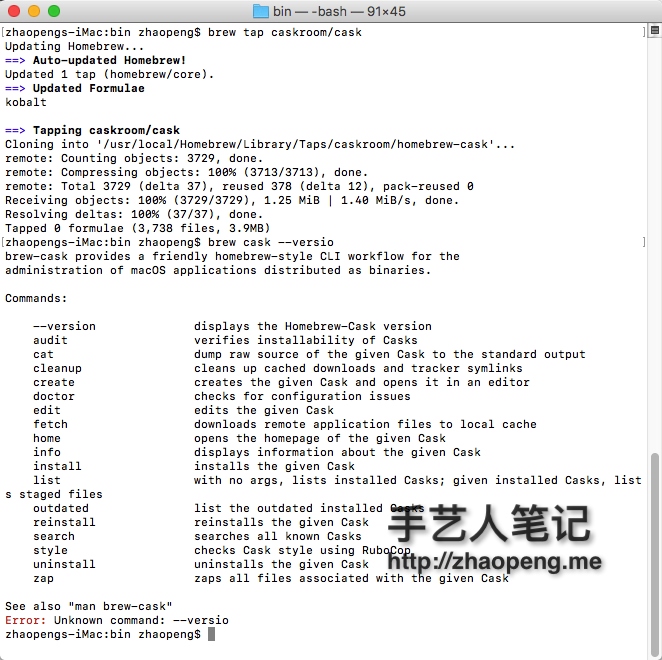
安装 Homebrew-cask 是如此的简单直接,运行以下命令即可完成:
brew tap caskroom/cask
使用
我比较喜欢通过 App Store 或者其他方式手动安装 APP,不过通过 brew cask 一些 app 也比较的方便.
brew cask install google-chrome // 安装 Google 浏览器
brew update && brew upgrade brew-cask && brew cleanup // 更新
搜索
如果你想查看 cask 上是否存在你需要的 app,可以到 caskroom.io 进行搜索。
文件预览插件
有些 插件 可以让 Mac 上的文件预览更有效,比如语法高亮、markdown 渲染、json 预览等等。
下面这个是从 https://github.com/sindresorhus/quick-look-plugins 复制的.
Quick Look plugins
List of useful Quick Look plugins for developers
Install
Using Homebrew Cask
- Run
brew cask install <package>
Install all
一次性安装
brew cask install qlcolorcode qlstephen qlmarkdown quicklook-json qlprettypatch quicklook-csv betterzipql qlimagesize webpquicklook suspicious-package quicklookase qlvideo
Manually
- Click "download manually"
- Move the downloaded .qlgenerator file to
~/Library/QuickLook - Run
qlmanage -r
Plugins
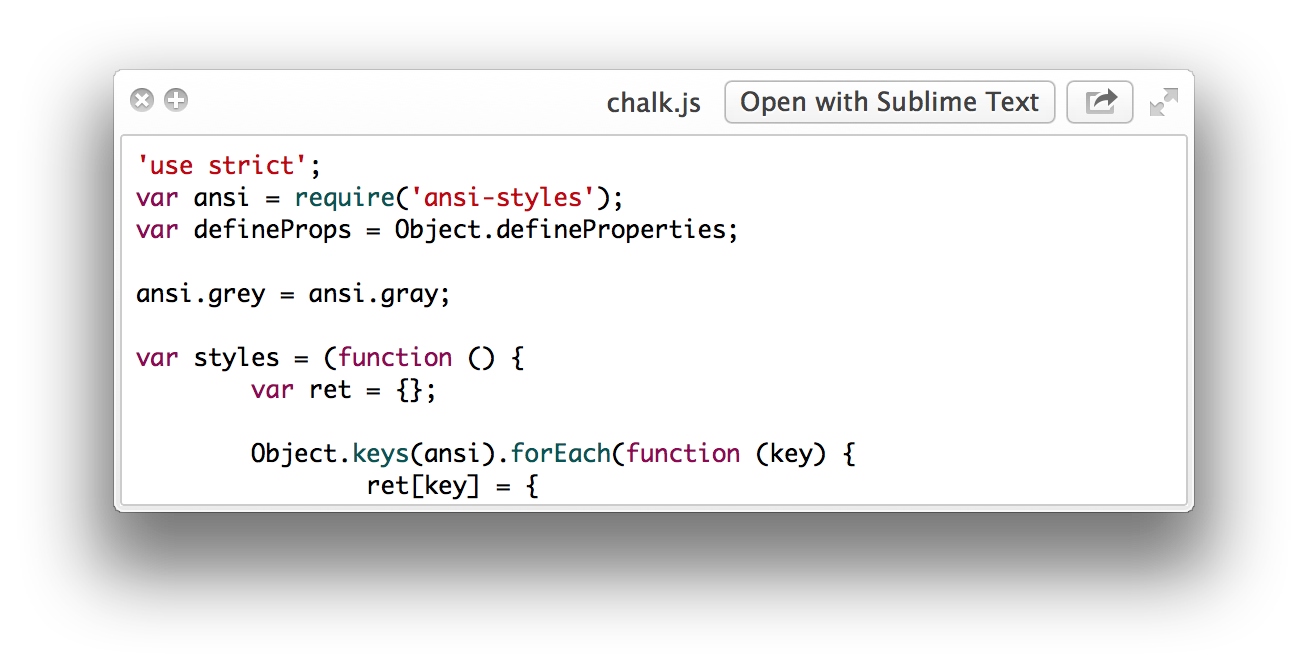
QLColorCode
Preview source code files with syntax highlighting
Run brew cask install qlcolorcode or download manually
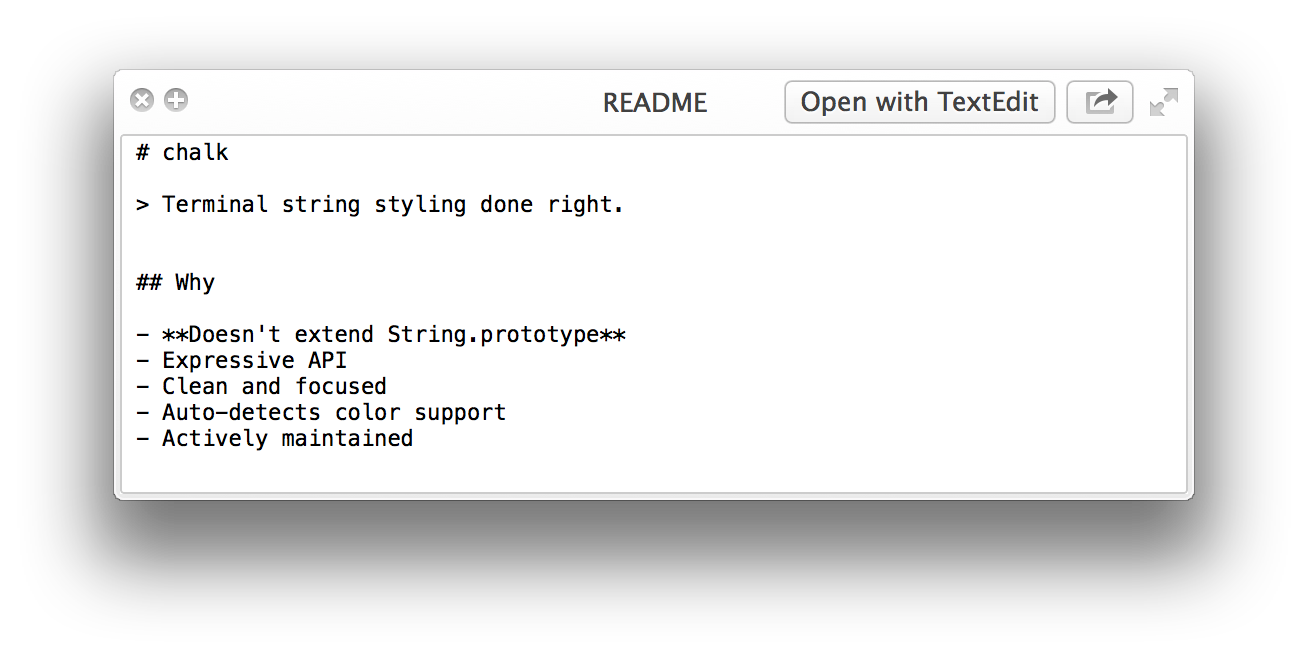
QLStephen
Preview plain text files without or with unknown file extension. Example: README, CHANGELOG, index.styl, etc.
Run brew cask install qlstephen or download manually
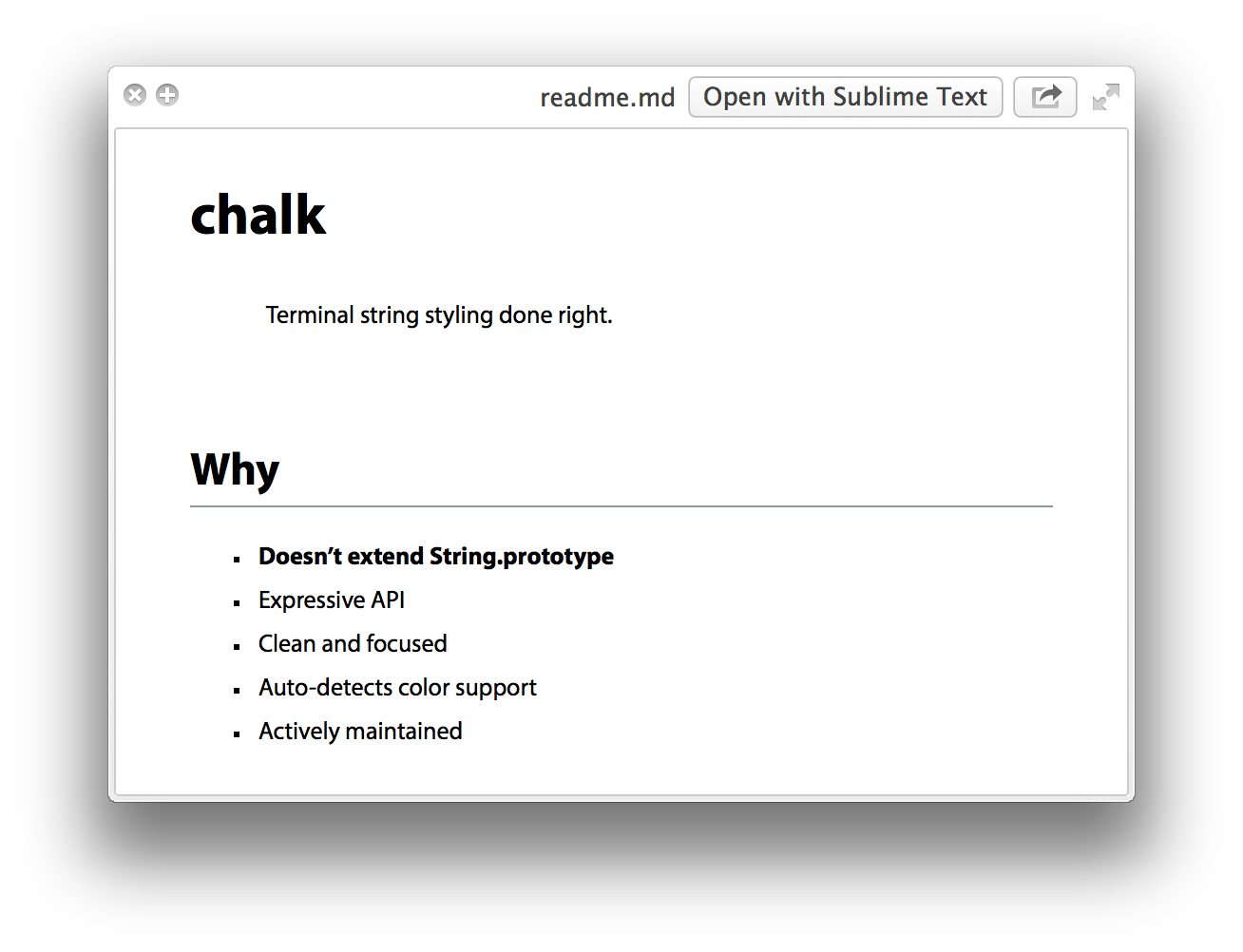
QLMarkdown
Preview Markdown files
Run brew cask install qlmarkdown or download manually
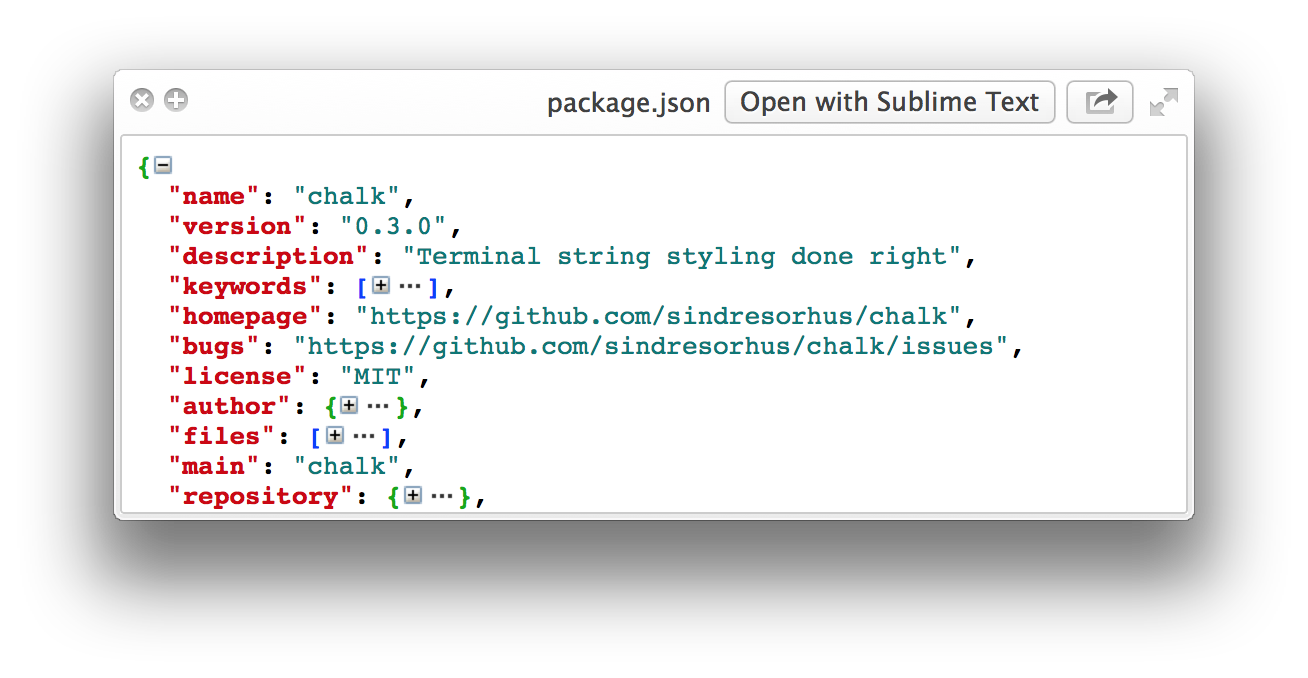
QuickLookJSON
Preview JSON files
Run brew cask install quicklook-json or download manually
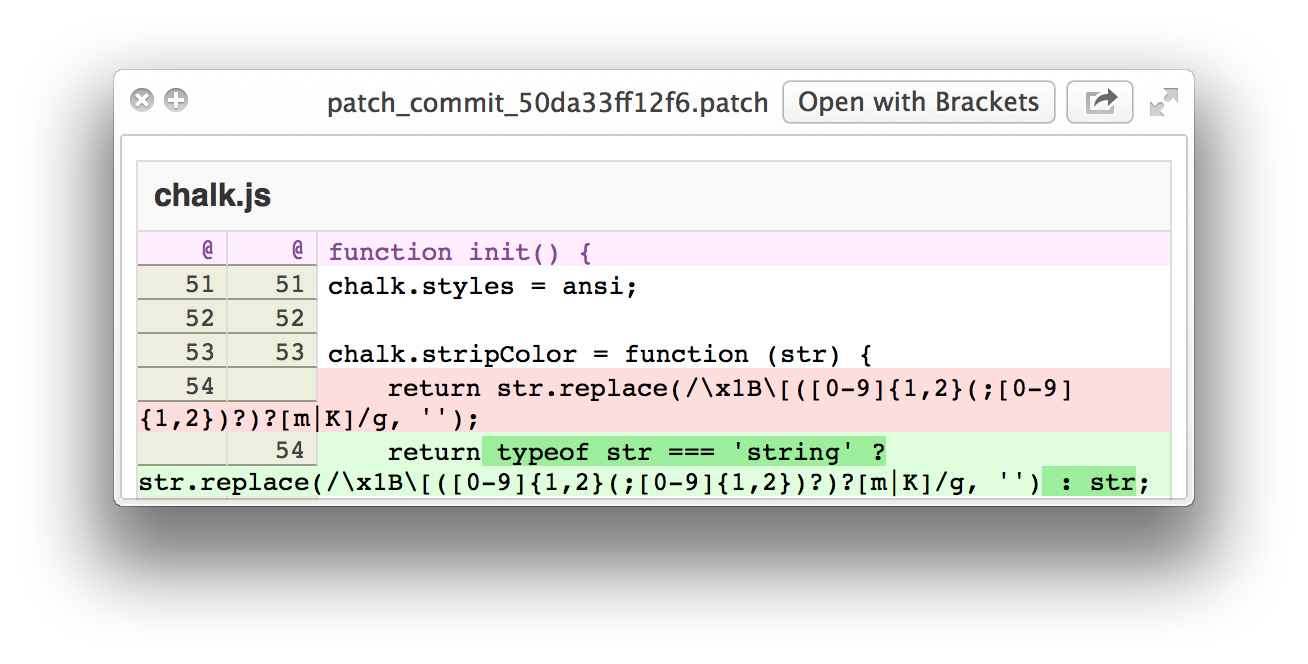
QLPrettyPatch
Preview .patch files
Run brew cask install qlprettypatch or download manually
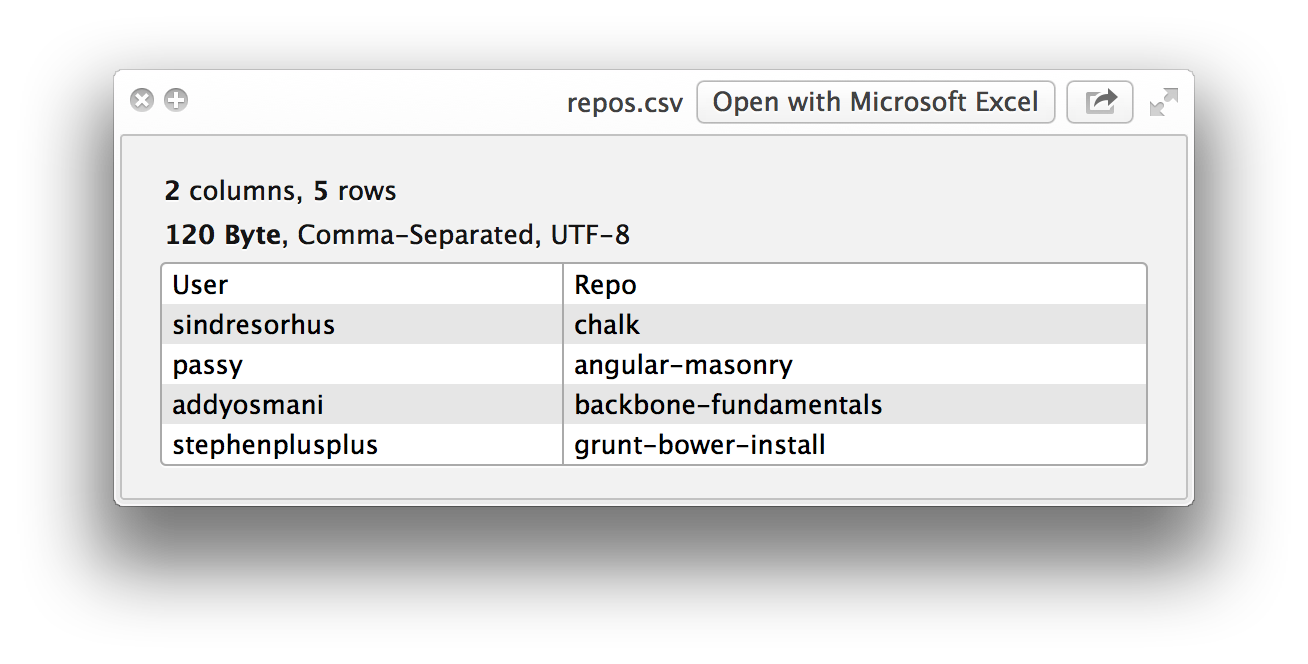
QuickLookCSV
Preview CSV files
Run brew cask install quicklook-csv or download manually
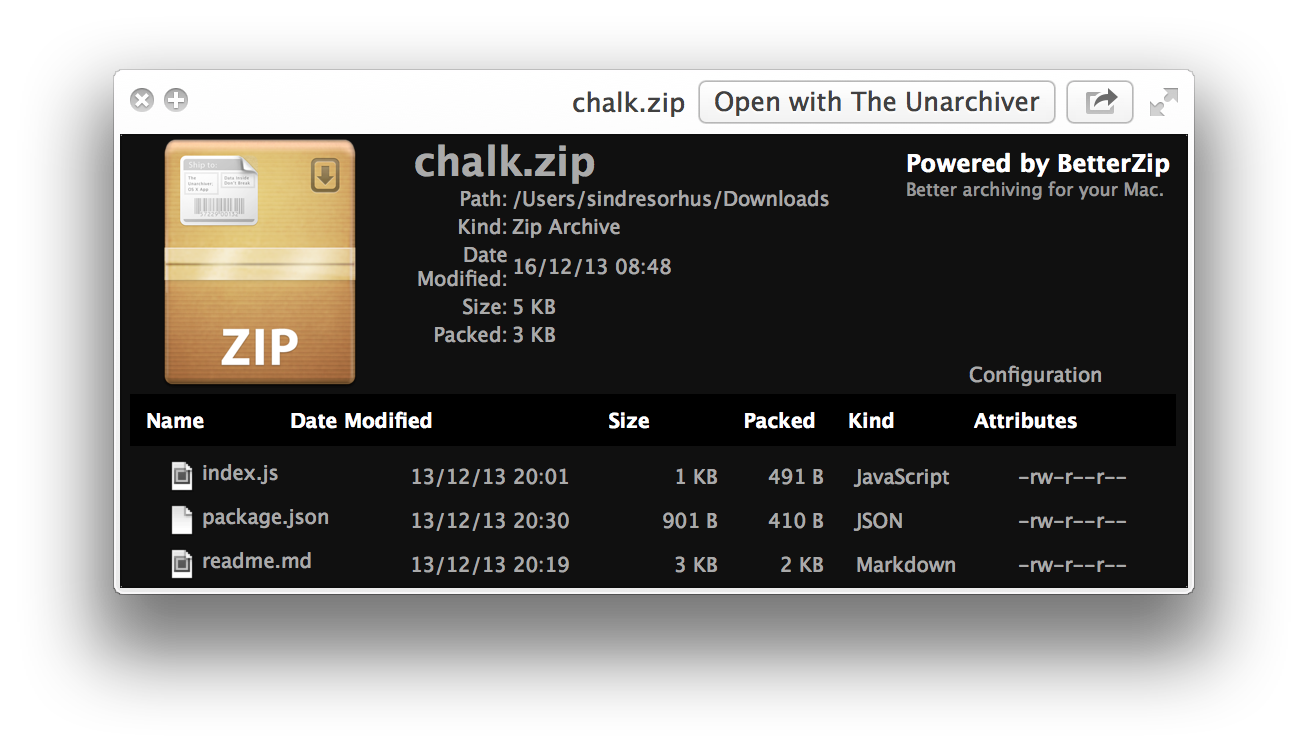
BetterZipQL
Preview archives
Run brew cask install betterzipql or download manually
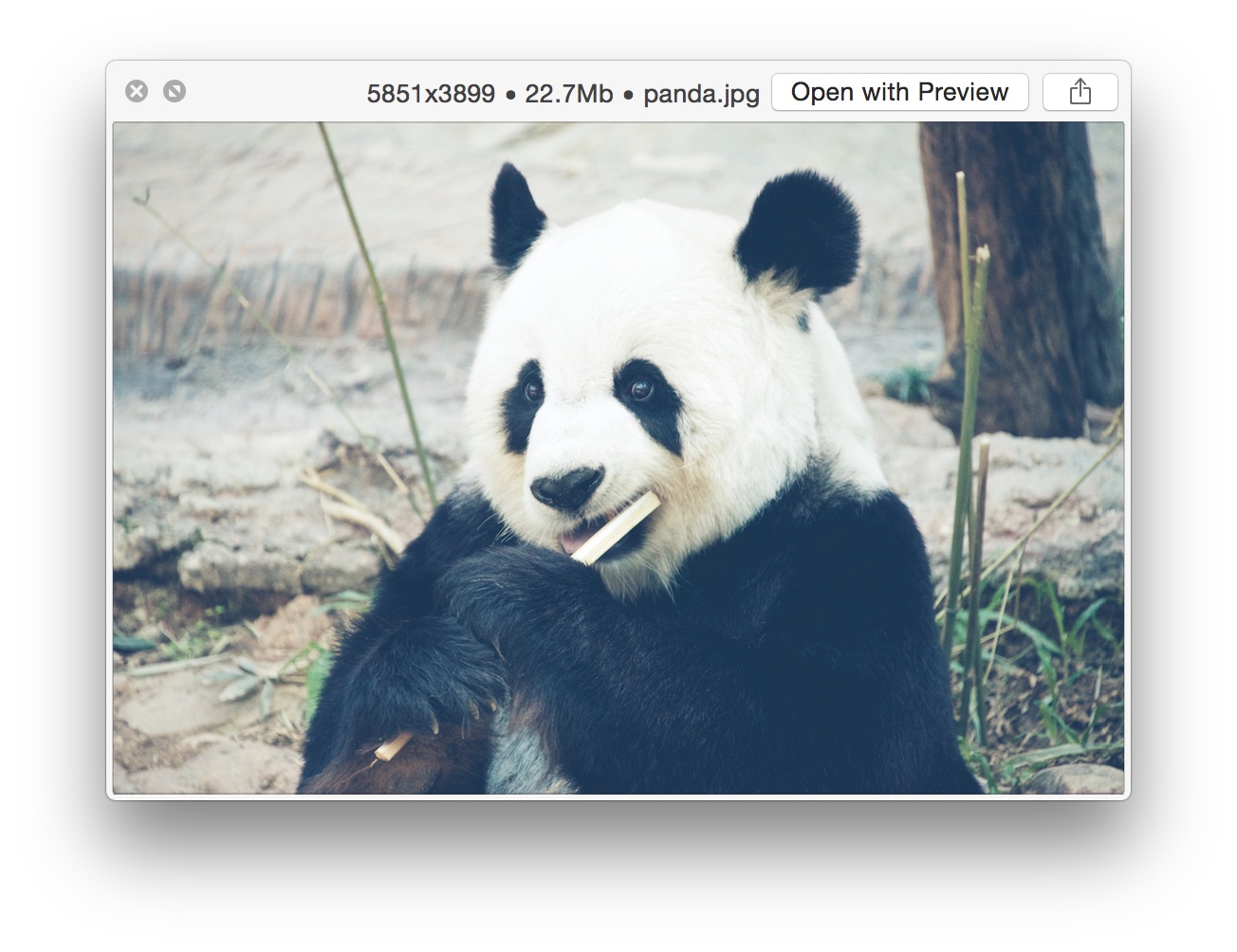
qlImageSize
Display image size and resolution
Run brew cask install qlimagesize or download manually
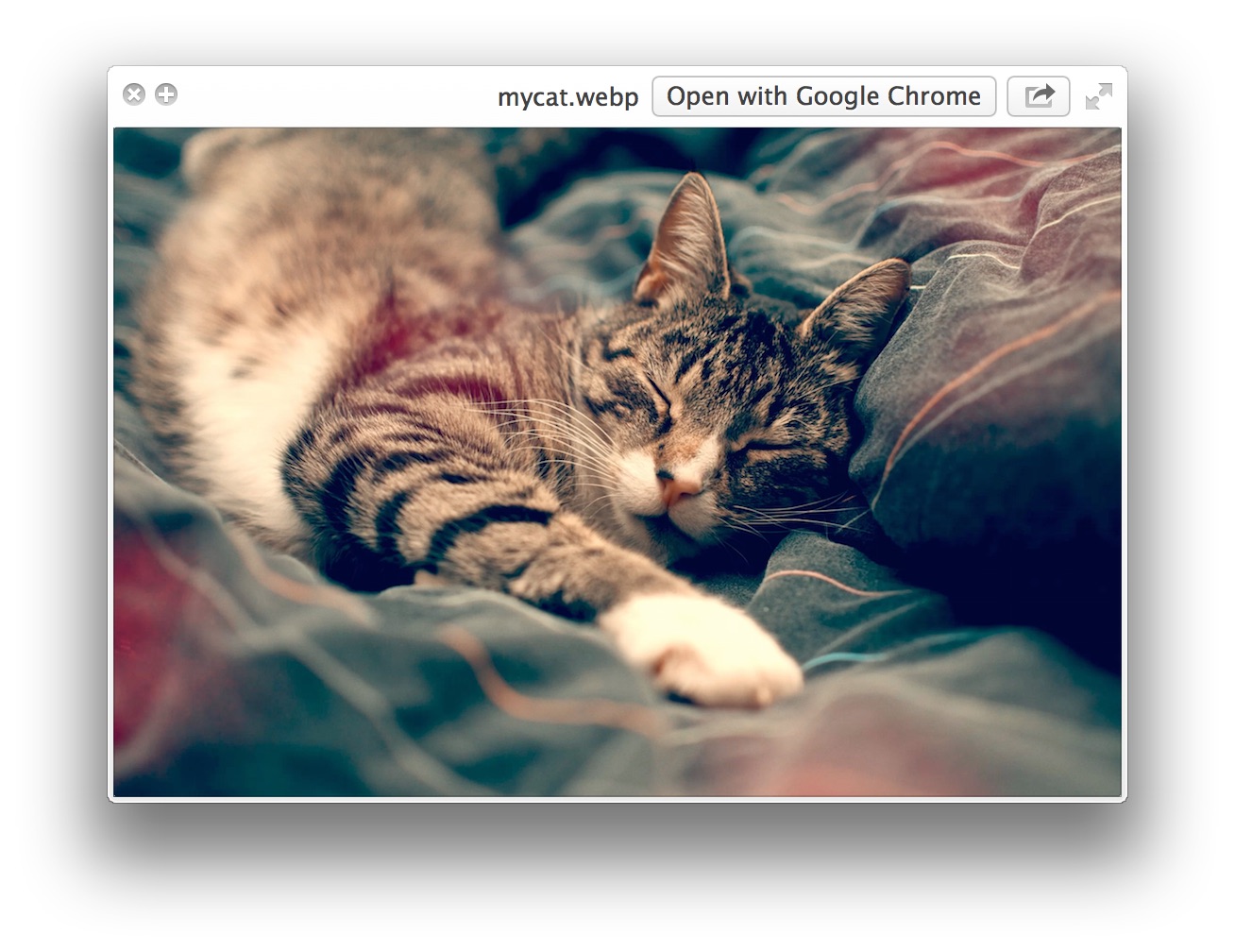
WebP
Preview WebP images
Run brew cask install webpquicklook or download manually
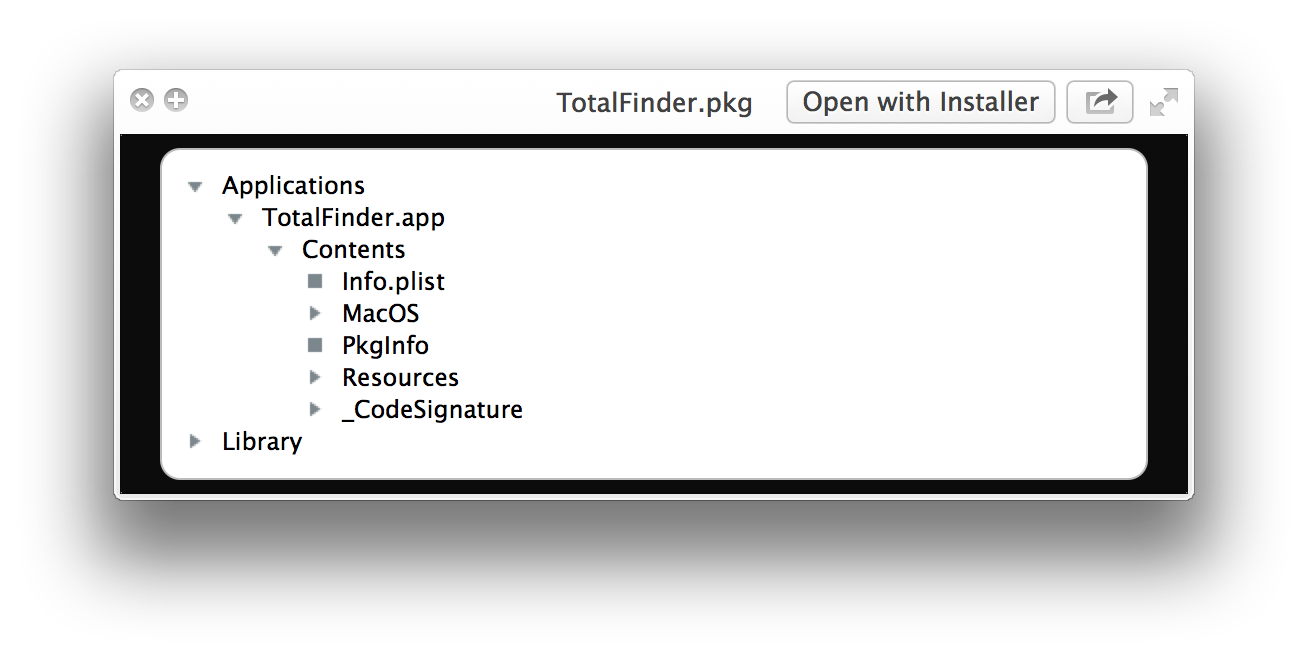
Suspicious Package
Preview the contents of a standard Apple installer package
Run brew cask install suspicious-package or download manually
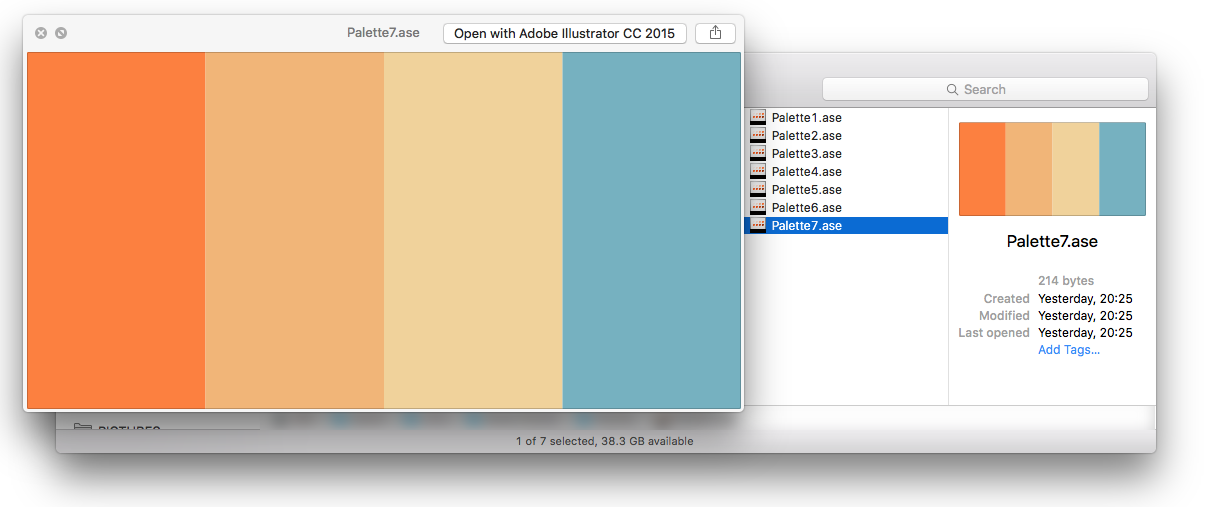
QuickLookASE
Preview Adobe ASE Color Swatches generated with Adobe Photoshop, Adobe Illustrator, Adobe Color CC, Spectrum, COLOURlovers, Prisma, among many others.
Run brew cask install quicklookase or download manually
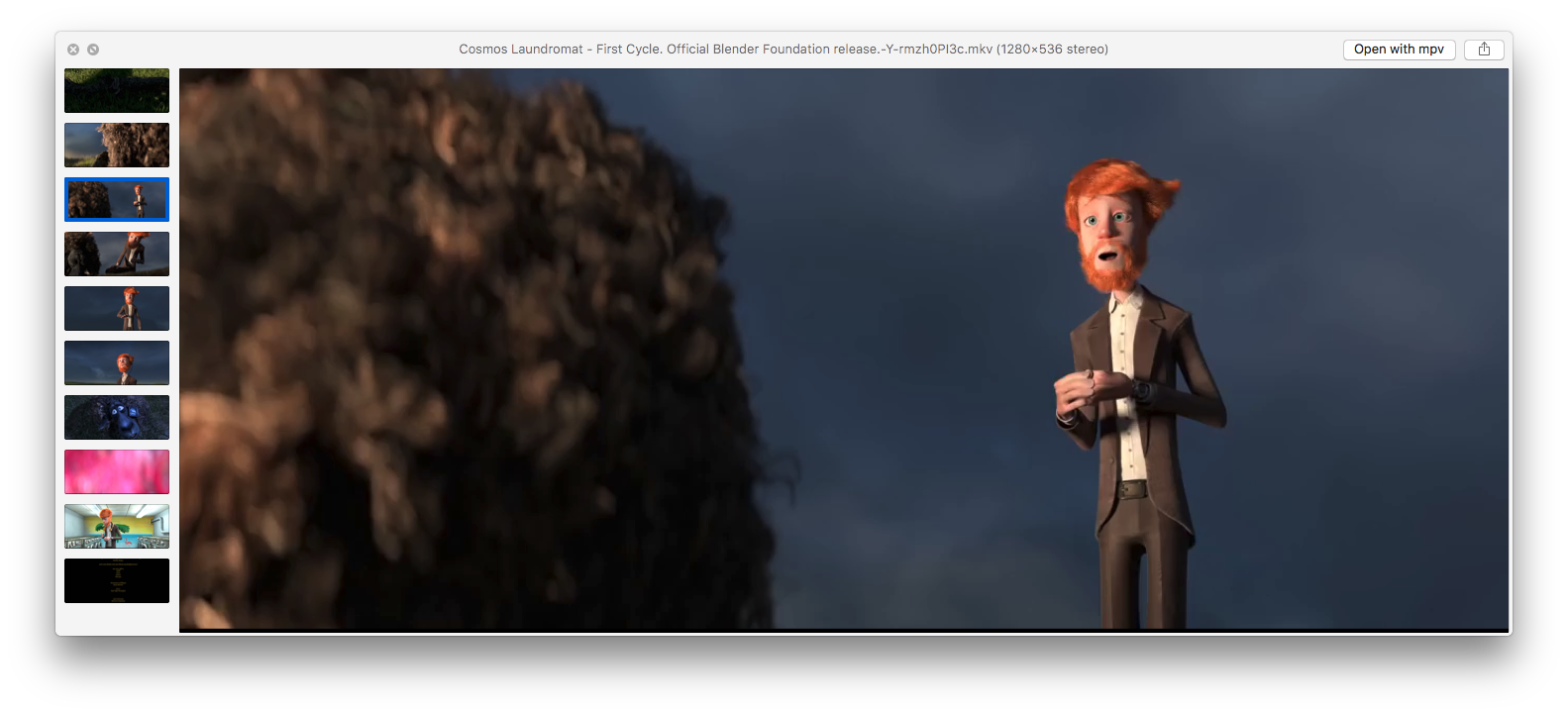
QLVideo
Preview most types of video files, as well as their thumbnails, cover art and metadata
Run brew cask install qlvideo or download manually
More
These are not included in Install all.
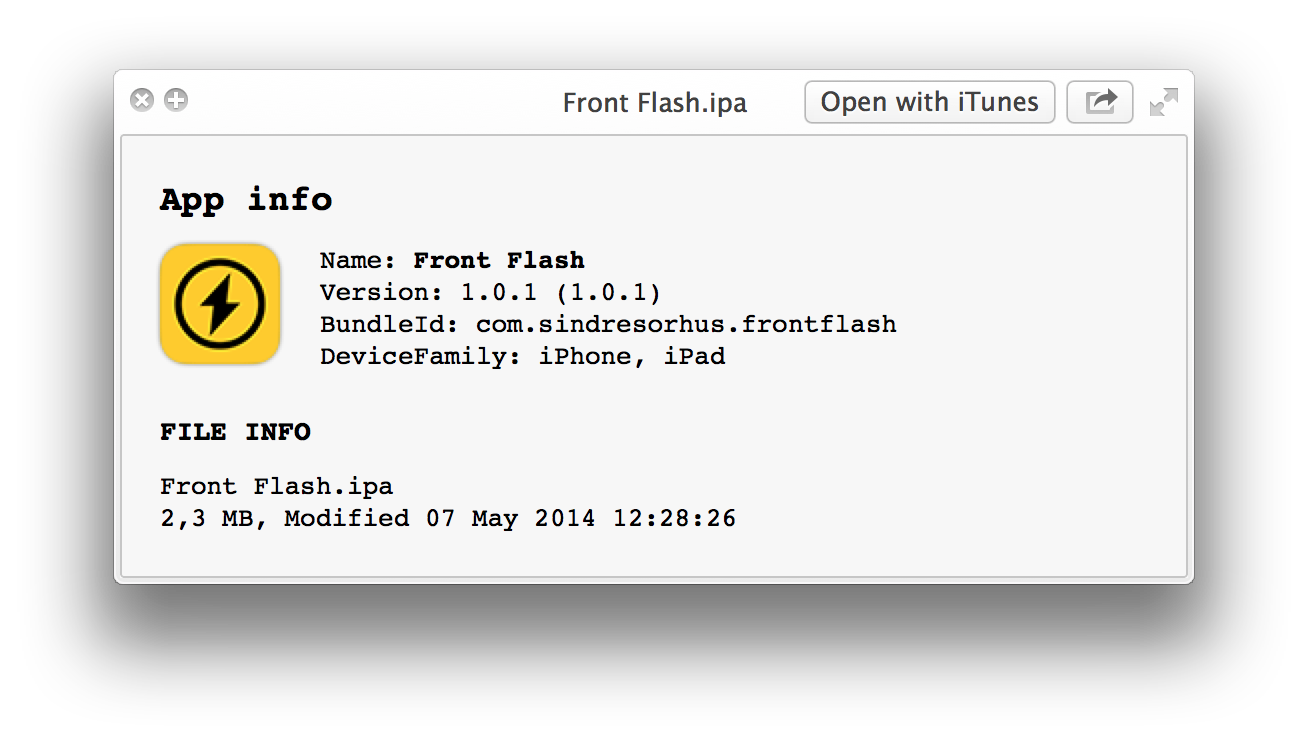
ProvisionQL
Preview iOS / macOS app and provision information
Run brew cask install provisionql or download manually
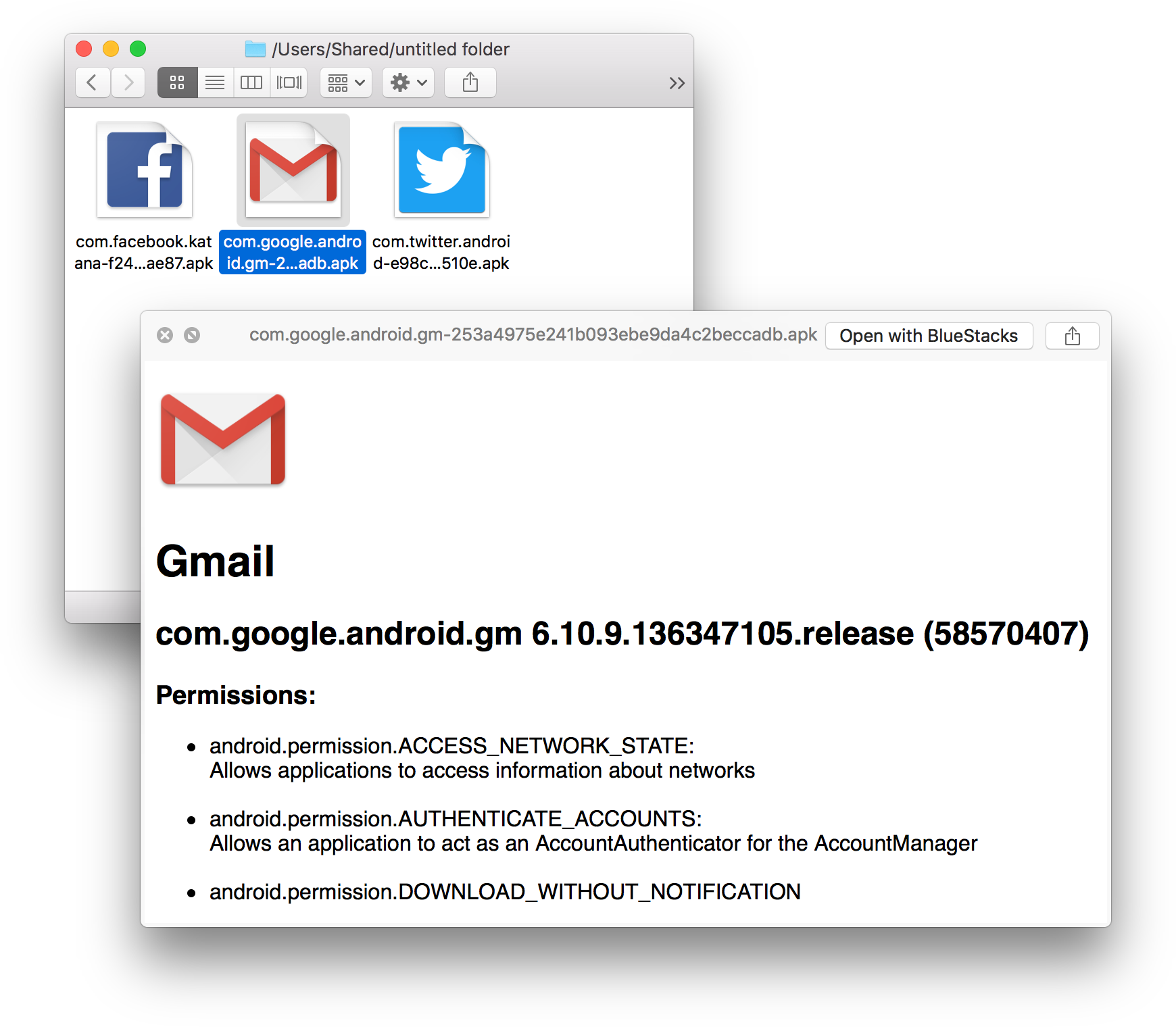
QuickLookAPK
Preview Android APK files
Run brew cask install quicklookapk or download manually
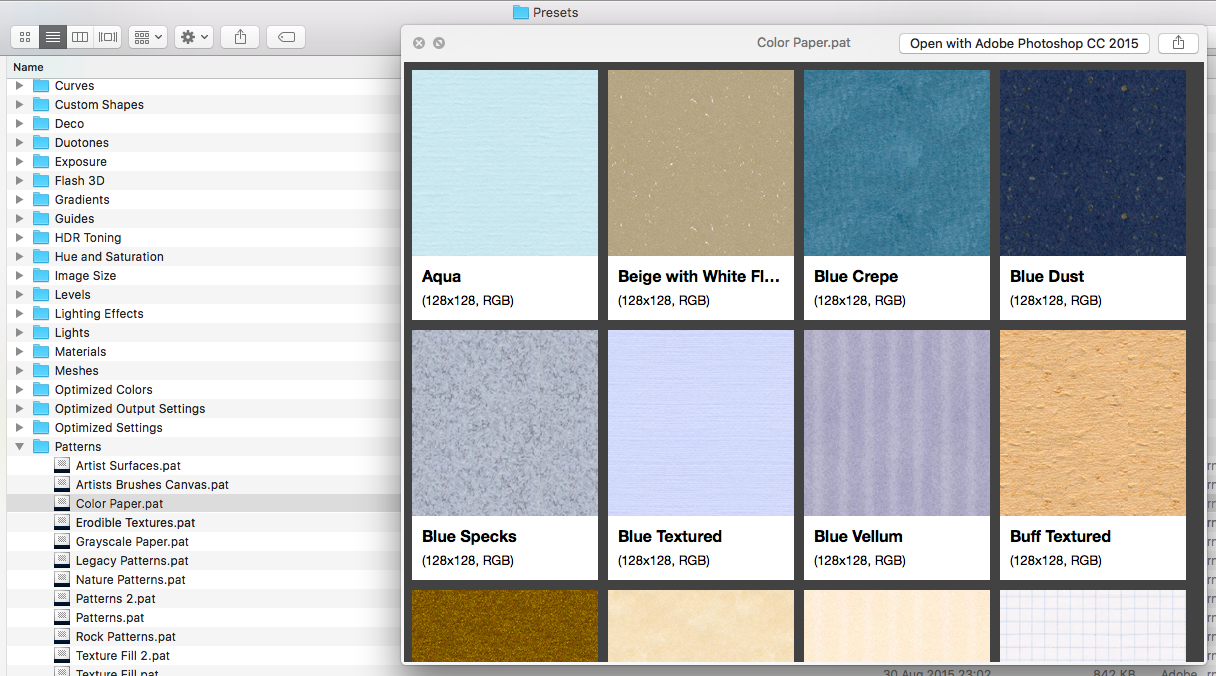
quicklook-pat
Preview Adobe Photoshop pattern files
Run brew cask install quicklook-pat or download manually
系统服务管理
- brew services 命令安装
安装完 homebrew 默认是没有这个命令的,通过 brew services 可以方便地管理通过 homebrew 安装的服务进程,比如 nginx, mysql 等
brew tap homebrew/services
Install and start service mysql at login
brew install mysql
brew services start mysql
Stop service mysql:
brew services stop mysql
Restart service mysql:
brew services restart mysql
Install and start dnsmasq service at boot
brew install dnsmasq
sudo brew services start dnsmasq
SYNOPSIS
如果没有权限,请添加sudo执行
brew services list
brew services restart
brew services start
brew services stop
brew services cleanup
LaunchRocket — 用于管理 homebrew 安装的服务。可以通过cask来安装。
brew tap jimbojsb/launchrocket
brew cask install launchrocket