iTerm
我用 mac 作为开发首选,就是特别钟情于mac 终端的好用,而 iterm 是特别好处的终端,再加入 zsh 那就是超级好用.
安装
http://www.iterm2.com/ 到官网下载.
配置使用
默认界面
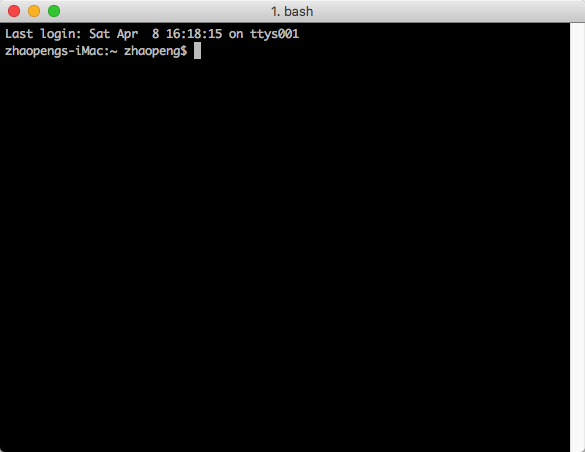
默认的 iterm 也不是很强大,还的需要很多配置才能适合自己.建议安装了 zsh 后再来配置,配合 zsh 更能完成更强大的功能.
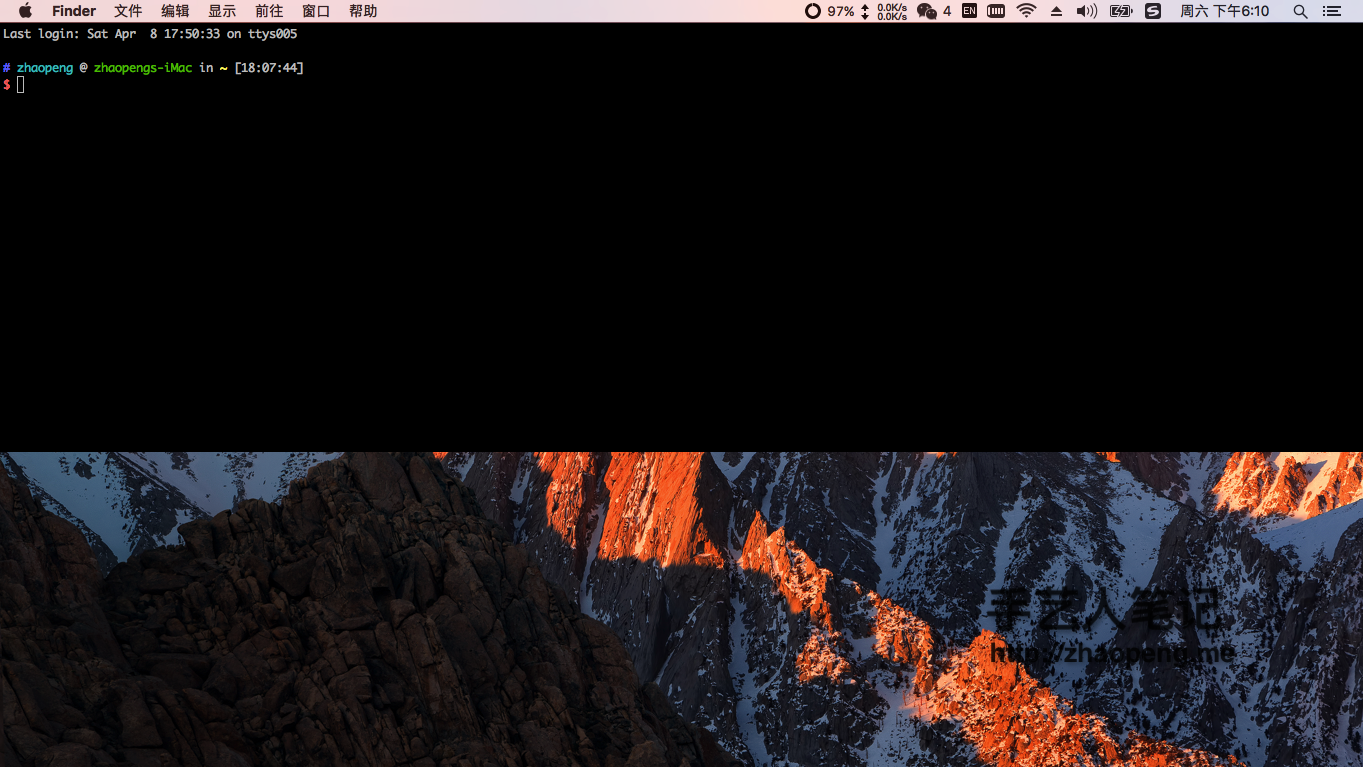
我常用的配置的将 iTerm 固定在屏幕的顶部,方便查看.
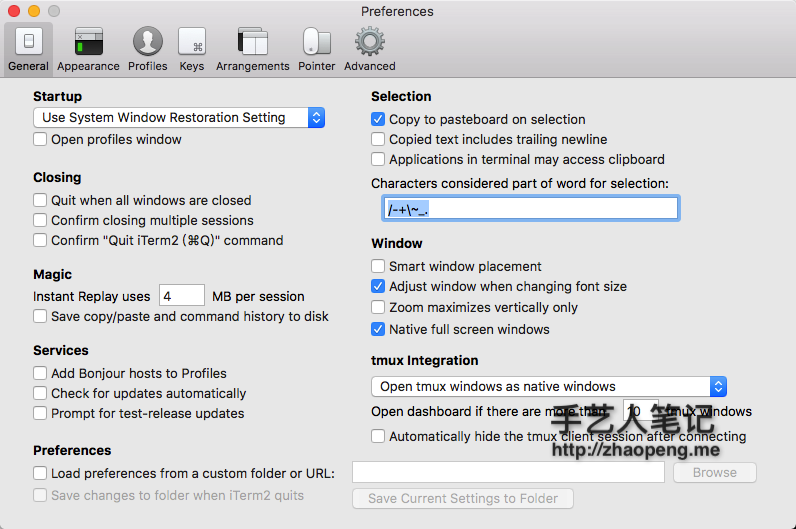
打开 iTerm 的配置:
- Preferences > General
- Closing
- x Confirm closing mutiple sessions
- x Confrim "Quit iTerm2" command
- Services
- x Check for updates automatically
- Closing
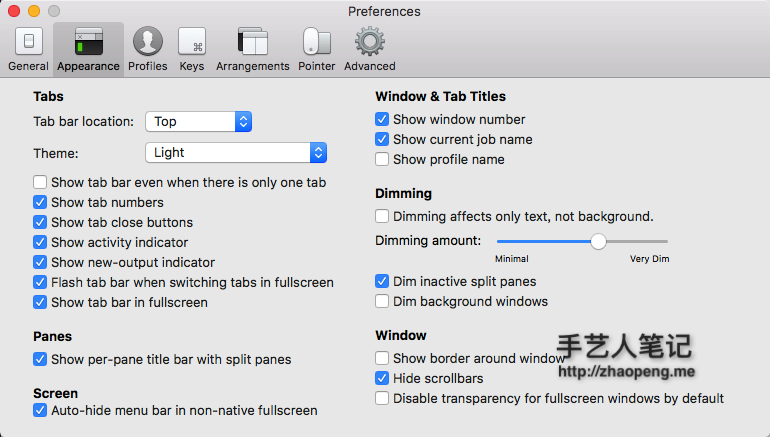
- Preferences > Appearance
- Window
- x Hide scrollbars
- Window
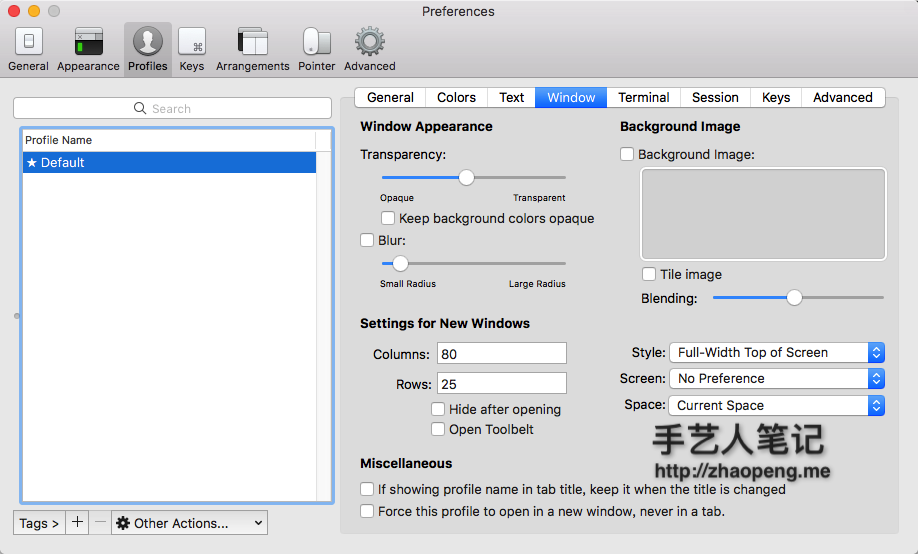
- Preferences > Profiles > Default > Window
- Settings for New Windows
- Style
- ✓ Full-With Top Of Screen
- Style
- Settings for New Windows
固定的屏幕顶部
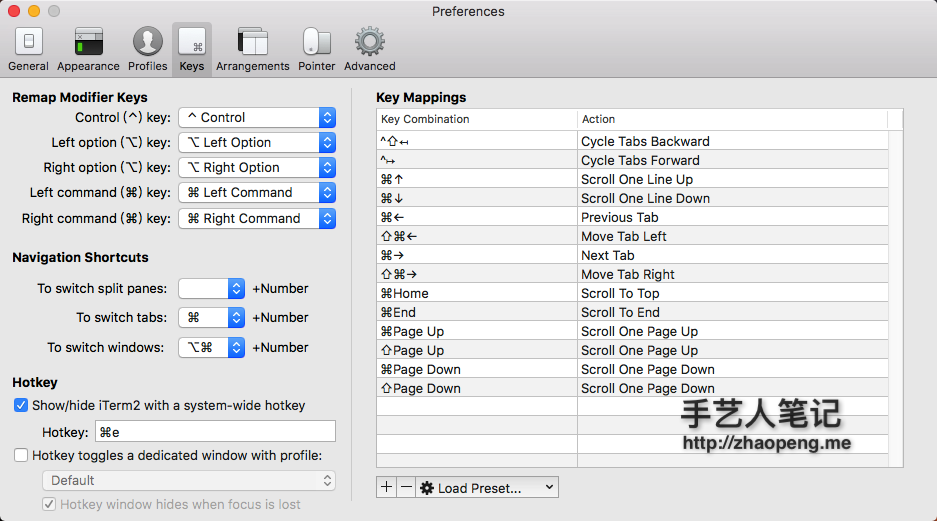
- Preferences > Keys
- Hotkey ✓
设置自己适合的快捷键